Fxpine
Fxpine is a particle effect designer that exports native Spine animations.
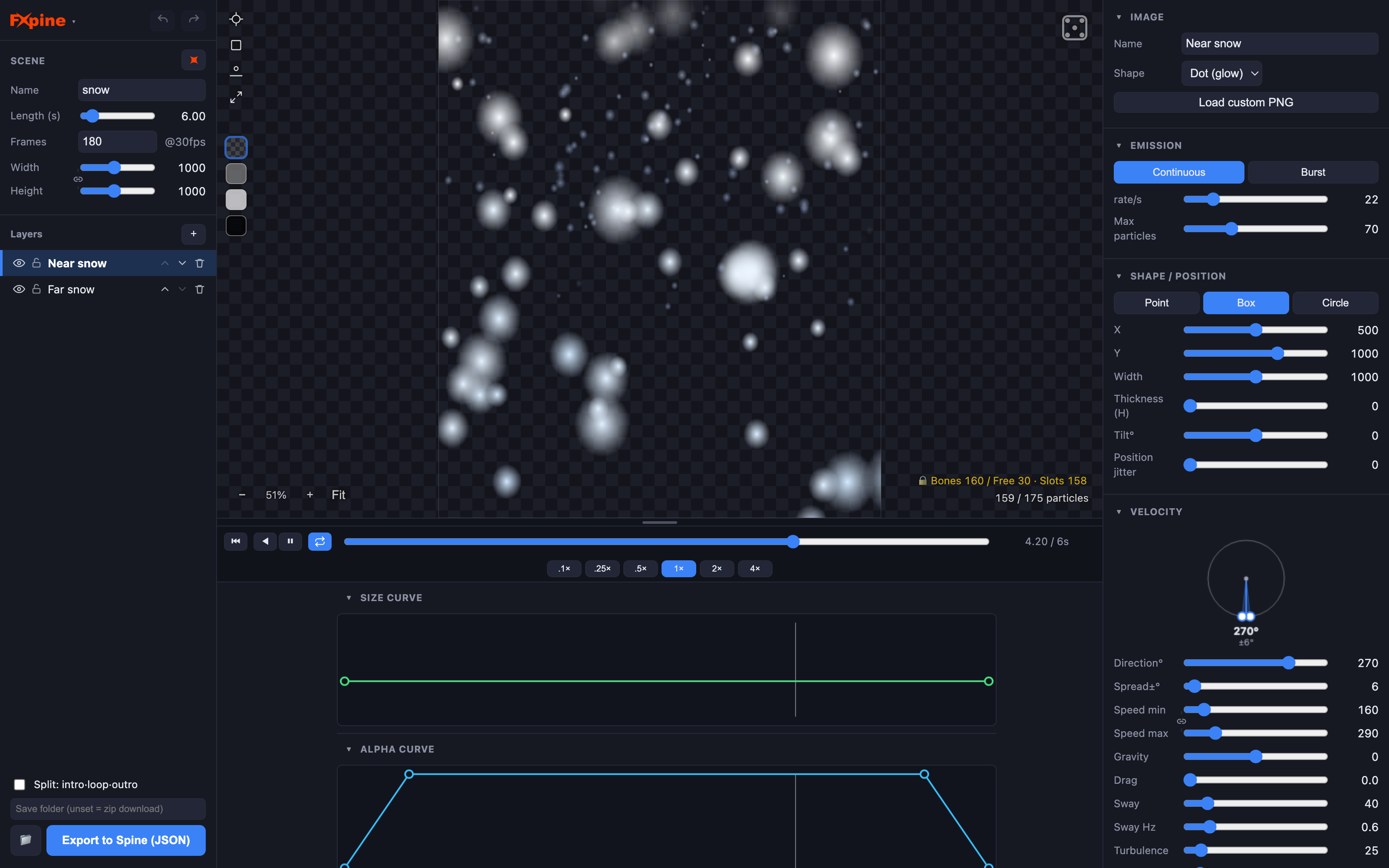
Fire, explosions, fireworks, snow, confetti, magic — design them like in a modern particle editor, then export standard Spine JSON (skeleton + atlas + images). The simulation is baked into bone and slot keyframes, so the result plays anywhere Spine plays: any game engine, any Spine runtime, no plugin, no extra code.
Why bake?
Spine has no particle system. The usual workarounds are hand-keying dozens of bones (hours of work) or adding an engine-side particle system (breaks the "everything is one Spine file" pipeline). Fxpine gives you real particle-editor workflow — emitters, gravity, turbulence, curves — and turns the result into an ordinary Spine animation your animators and programmers can treat like any other.
Features
- 24 ready-made presets — fire, explosion, fireworks, confetti, snow, rain, cherry blossom, magic vortex, black hole, heal, level-up, coin burst, hit impact and more. Start from one, or from scratch.
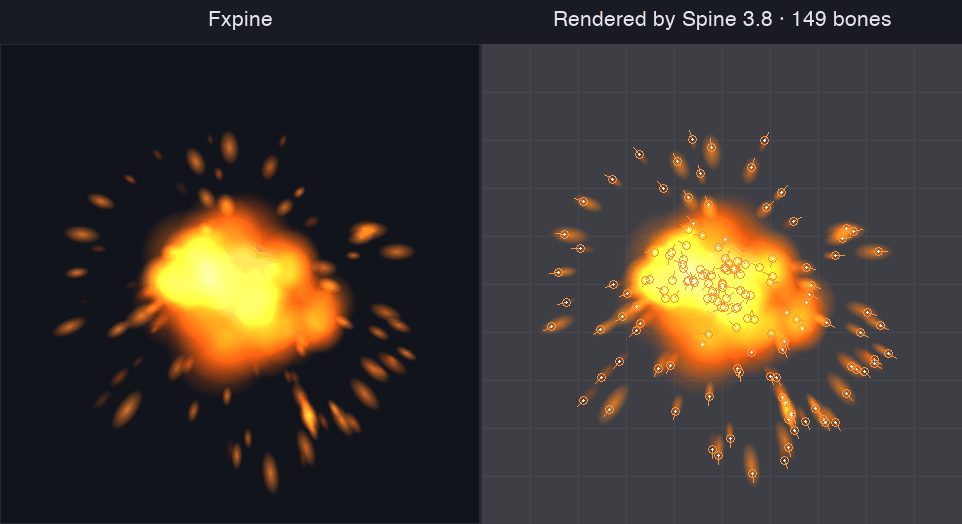
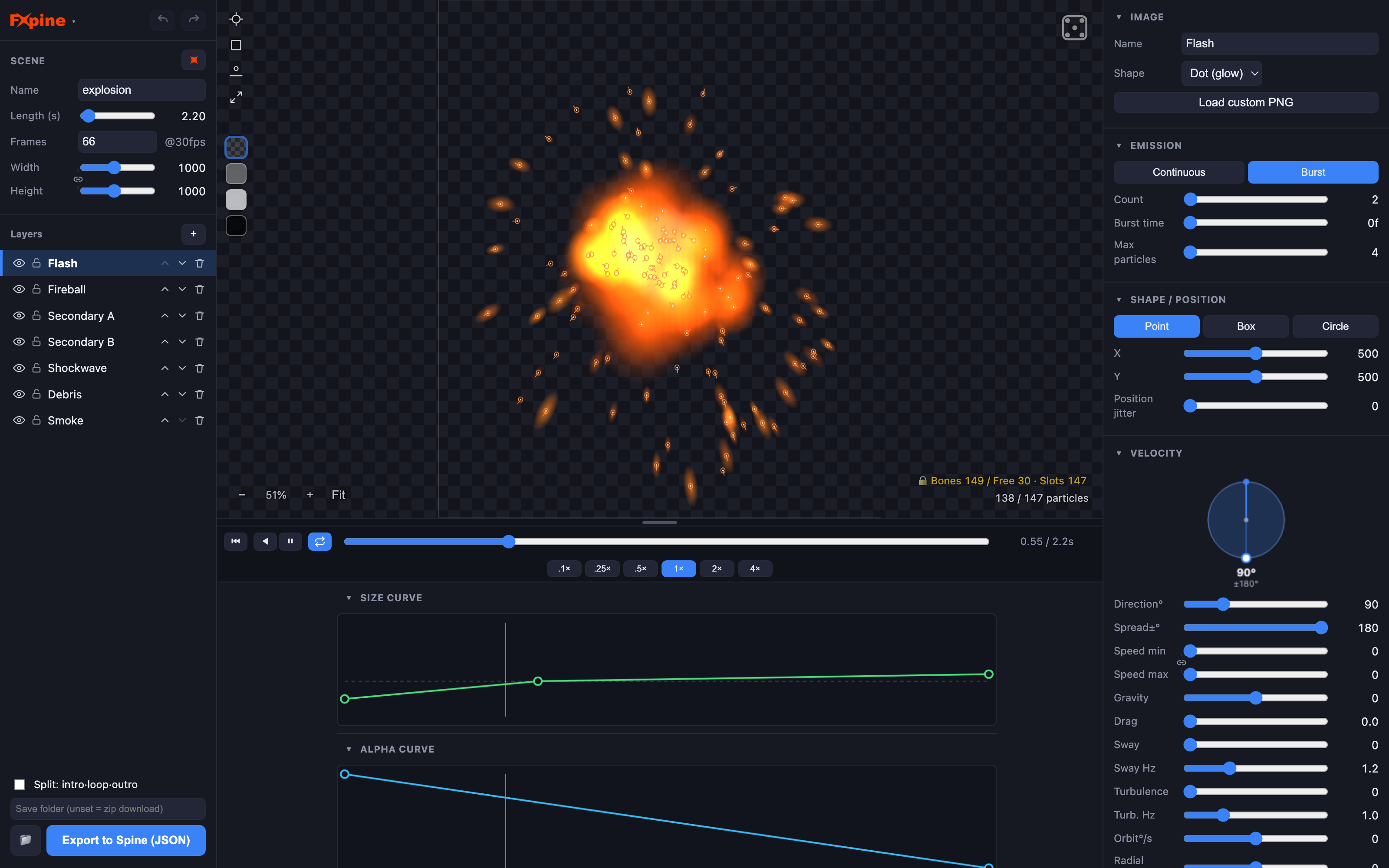
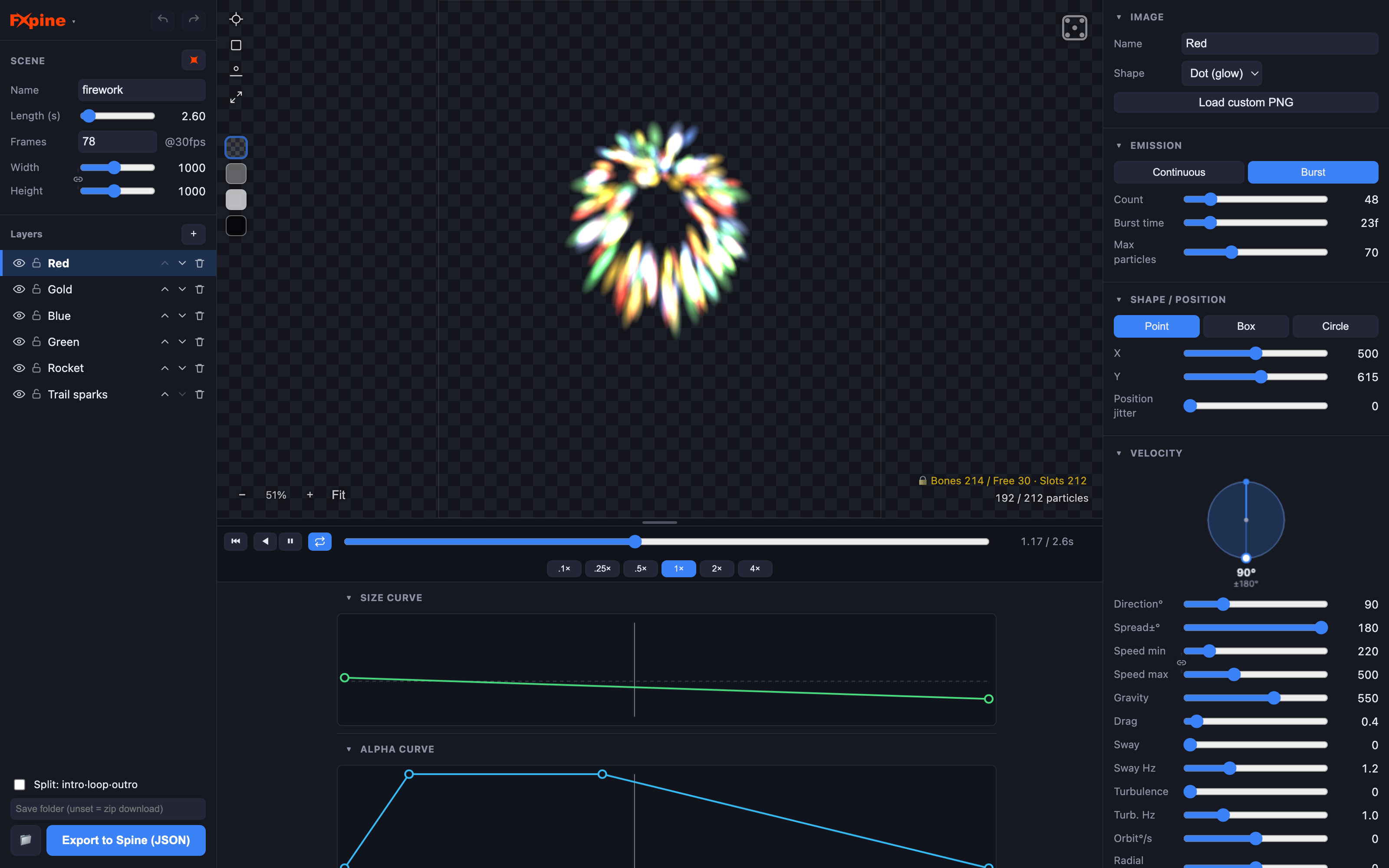
- Multi-layer effects — an effect is a stack of emitter layers (explosion = flash + fireball + shockwave + debris + smoke). Reorder, lock, multi-select and edit together.
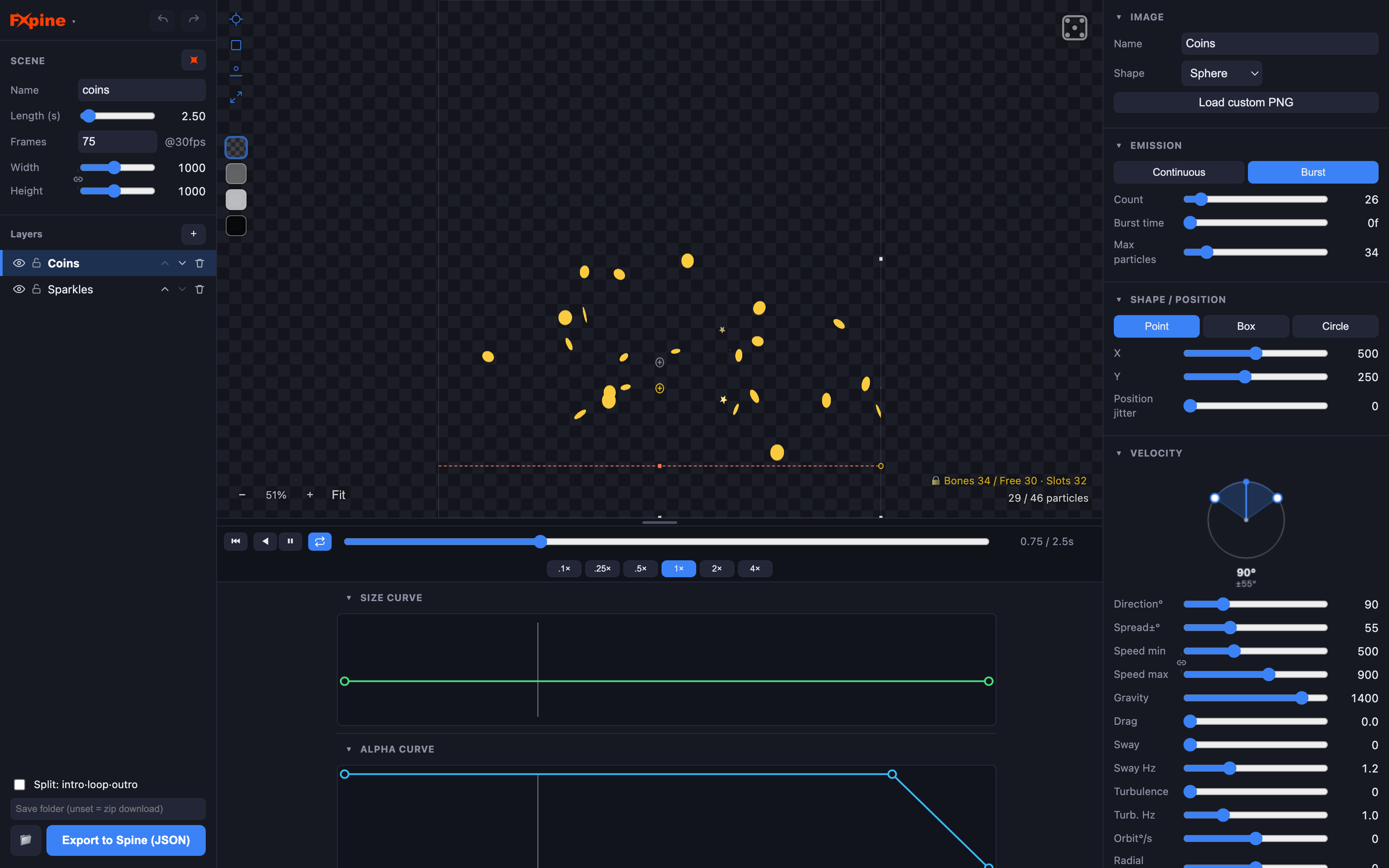
- Real particle controls — continuous / burst emission, point / box / circle shapes, direction & spread, gravity (including negative, for rising fire and smoke), drag, sway, turbulence, orbit & radial velocity, spin, flip/flutter for paper and leaves.
- Curves & color — size and alpha over lifetime with a curve editor, color gradients over lifetime, additive blending, velocity-aligned stretching for sparks and streaks.
- Collision & bounce — floor line with adjustable height, tilt and restitution; bounces are baked into the motion.
- Your own sprites — built-in glow dot / flake / square / leaf shapes, or load custom PNGs. Multiple images are packed into one atlas.
- Optimized output — Bézier key compression (~10× fewer keys), bone pooling with canvas culling, automatic 1-bone/2-bone allocation per layer. Live bone/slot count so you always know the cost before export.
- Seamless loops, any length — set the loop to an exact number of frames or seconds and Fxpine bakes a true seamless cycle: particles are already mid-flight at frame 0, so there's no empty warm-up and no visible seam.
- Project save/load — save your effect as a project file and keep tweaking later.
- Runs locally in your browser — nothing is uploaded; your art never leaves your machine. UI in 8 languages.
Intro · loop · outro — a clean start, an endless middle, a graceful end
One checkbox splits your effect into three connected Spine animations, with intro and outro lengths you set to the exact frame:
- Intro — the effect builds up to the loop point.
- Loop — a perfectly seamless cycle you can repeat forever.
- Outro — the particles die out naturally.
The three clips meet exactly at the seams — the intro's end and the outro's start both match the loop's start frame — so in your engine you simply play intro → loop × N → outro. No pop, no gap, no double particles. Perfect for spells, buffs, auras, portals, weather and anything that has to start, hold, then end cleanly.
How it works
- Pick a preset (or start empty) and tweak layers, physics and colors with live preview.
- Watch the bone counter — Fxpine shows the exact skeleton cost as you design.
- Export to Spine — you get
effect.json+ atlas + images. In Spine, use Import Data and press play.
What you get
- Full version of Fxpine (browser app, purchase once, yours forever)
- Native Spine JSON export, unlimited bones
- All 24 presets and all features above
- Free updates
Demo vs full version
The free demo (playable right on this page) is the complete editor with export capped at 30 bones — enough to try the whole workflow on small effects. The full version, available as a download after purchase, removes the cap.
FAQ
Which Spine versions?
Fxpine exports standard Spine JSON (skeleton + atlas + images) that you bring in through Import Data. It's designed to work across Spine versions — newer versions upgrade the imported data automatically. It is not tied to one specific release.
Do I need a Spine license?
You need Spine (any edition that can import data) to open the exported project. The exported animation runs on any Spine runtime.
Does it work with my engine?
If your engine plays Spine animations, yes — the export is ordinary bones, slots and keyframes. Unity, Godot, Unreal, Cocos, Phaser, custom runtimes… no Fxpine runtime needed.
Is it a subscription?
No. One-time purchase.
Offline?
Fxpine runs entirely in your browser, locally. After the page is loaded no network is used; your images are never uploaded.
Purchase
In order to download this tool you must purchase it at or above the minimum price of $29 USD. You will get access to the following files:
Leave a comment
Log in with itch.io to leave a comment.